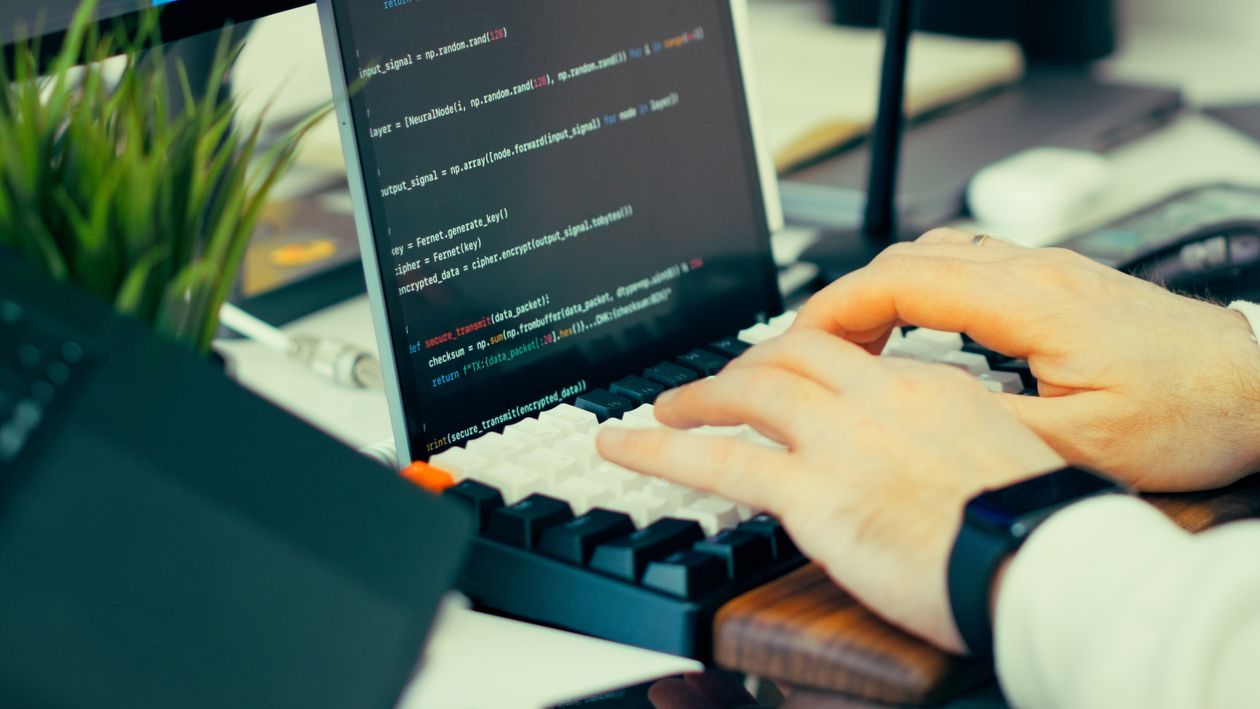
GitHub Copilot App Is the First Desktop OS for AI Agents
GitHub Copilot App is not just an IDE upgrade. It is a desktop runtime for AI agents that fundamentally changes how developers interact with AI tooling.
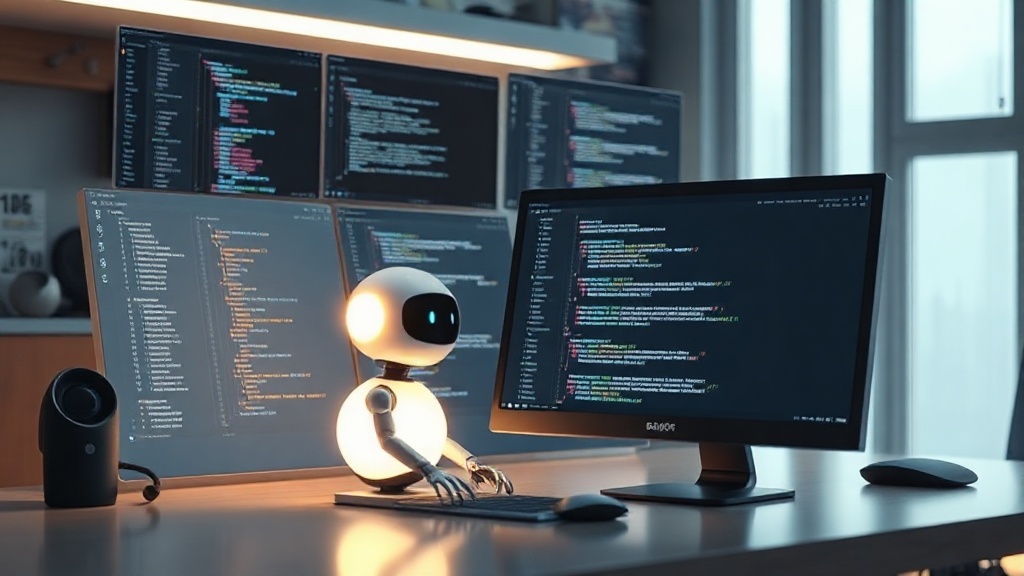
GitHub quietly shipped an application, not a plugin. The Copilot App is a desktop environment where AI agents can operate, persist state, use files, run terminal commands, and maintain context across sessions. That's not a coding assistant. That's an operating system for agents.
Why This Is Different From Every Other AI Tool
GitHub Copilot (the plugin) helps you write code. GitHub Copilot App (the desktop app) can own a task from requirement to deployed PR — operating across files, repositories, and the terminal without you watching over its shoulder. The interface is a conversation. The capability is an agent that can do your job.
Two things made this possible. First, the app can maintain long-term memory across sessions — it knows your codebase, your preferences, your architectural decisions. Second, it has filesystem access and terminal execution. It's not a language model that predicts the next token. It's an agent that can actually change things.
The Desktop OS Bet
Microsoft and GitHub are making a specific bet: that the future of developer tooling is a persistent, memory-capable AI environment on your machine, not a cloud-based API you call from your IDE. The reasoning is sound — a local agent can access your entire filesystem, maintain state across sessions, and run without latency or API rate limits.
The competitive implication is significant. If GitHub owns the developer desktop, they own the developer workflow. Every AI coding tool that exists today becomes a feature of the GitHub environment rather than a competitor to it.
What Developers Should Do With This
Start treating the Copilot App as a junior developer who never leaves. Give it tasks, review the output, escalate what requires judgment. The workflows that took you 40 hours will take 8 — not because the AI wrote the code for you, but because it handled the mechanical work while you focused on the architecture.
The developers who win this year are the ones who learn to delegate well, not the ones who can code faster.