Copilot Evals: check the file, not the reassurance.
GitHub adds repeatable tests for agent customizations. The useful first case catches a known mistake in the output, before a green score becomes a promise.
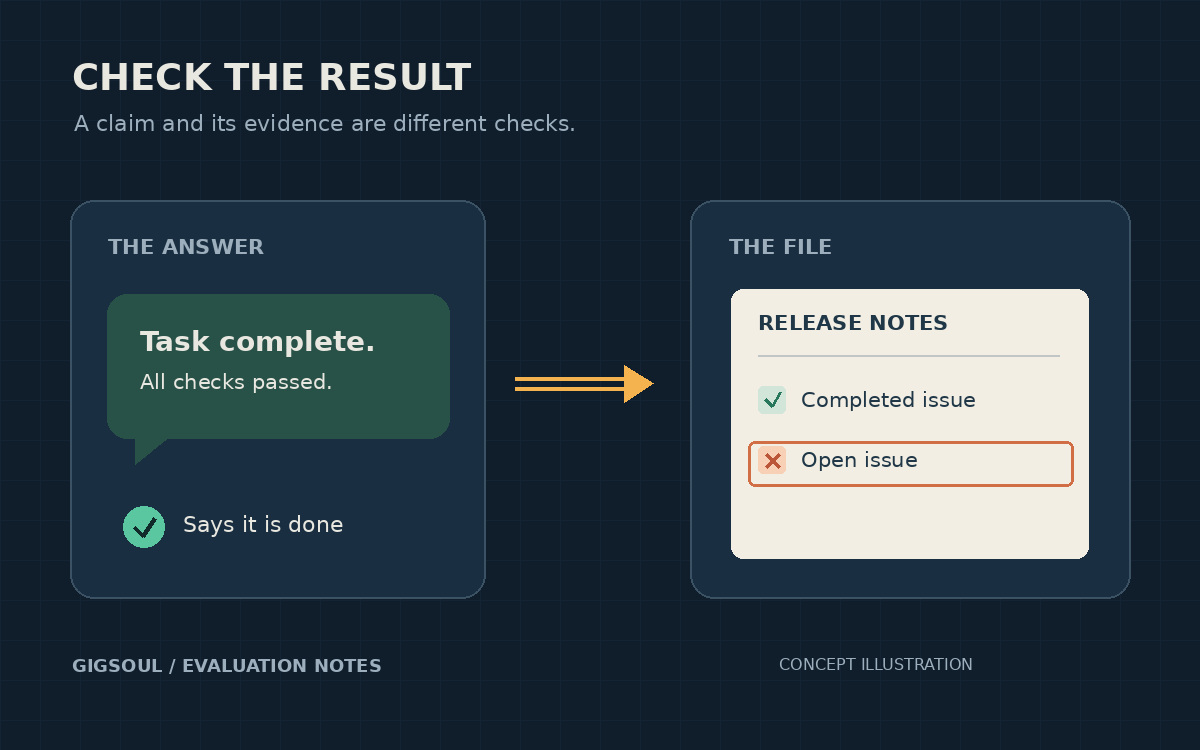
Original GigSoul concept illustration: a completion claim beside a release-notes file containing an open issue. Not a product screenshot or test result.
A release-notes assistant can say it ignored unfinished work while quietly listing an open issue as shipped. A useful test checks the issue IDs in the finished file. A reassuring answer in the chat is not enough.
That is the practical opening for GitHub Copilot Evals, announced in public preview on November 17. It creates, runs and compares repeatable tests for skills, custom agents and MCP tools. GitHub says each run requires approval. The result is a way to inspect a customization after it changes, rather than trusting the last good answer.
Write the failure before celebrating the pass
The project's current README uses a release-notes example: include completed work, preserve issue IDs and leave input files unchanged. Those are separate checks. A correct summary can still damage its source file; a clean source file can still accompany an invented release claim.
For a first trial, choose a small job with an observable result and one tempting mistake. Put a completed issue beside an open one. Check the actual output, check what must remain unchanged, then inspect the saved report and conversation trace. This is suggested evaluation design, not a GigSoul benchmark.
Keep the task, fixtures and checks stable when comparing a changed skill. Record the model and execution environment too. Otherwise a better score may reflect a different test rather than a better customization. A passing case establishes what that case checked, not reliability across every future job.
Approval to run is still permission to execute
Evals uses Microsoft's Vally engine. The README distinguishes saving or validating an eval from running it: validation and reading or comparing saved results make no model calls, while runs and grader tests disclose execution effects and token or credit costs for approval. Setup scripts, tools, custom graders and AI judges can execute code and incur charges under normal local permissions.
That makes the fixture and grader part of the review, not harmless packaging around the test. Use a disposable project without production secrets for an initial trial. Do not approve an unfamiliar suite merely because its name says evaluation.
Environment details matter. Vally's runtime guide warns that reusing the host Copilot home exposes persisted settings to the run. Separately, Waldek Mastykarz's November 12 walkthrough of his vally-vscode executor explains that it uses a signed-in desktop profile and unattended approval settings that also affect regular chats. That is a distinct executor, not an instruction to disable approvals for GitHub's new plugin.
Local results still need a sharing check
GitHub says saved evaluation results remain local, but the standalone plugin enables telemetry by default. Its documented analytics exclude source code, prompts and model outputs; editor-host telemetry follows different rules. Local storage is not the same claim as no telemetry.
The preview covers Copilot Individual, Business and Enterprise plans. Start with the official installation path, review the proposed effects and costs, and inspect saved results before sharing them. GigSoul has reviewed the public documentation, not installed the plugin or run its tests. The worthwhile first result is a test that catches a known mistake, not a dashboard full of green checks.